Presentation in Canva
Tech Tips

How to Make a Presentation in Canva That Actually Looks Professional

There is a particular kind of presentation that almost everyone has sat through at least once — the one built entirely from a default PowerPoint theme, using the same bullet-point-heavy layout on every slide, with clip art that looked outdated a decade ago. The content might be genuinely good, but the presentation undermines it. The

How to Make a Presentation in Canva That Actually Looks Professional Read Post »

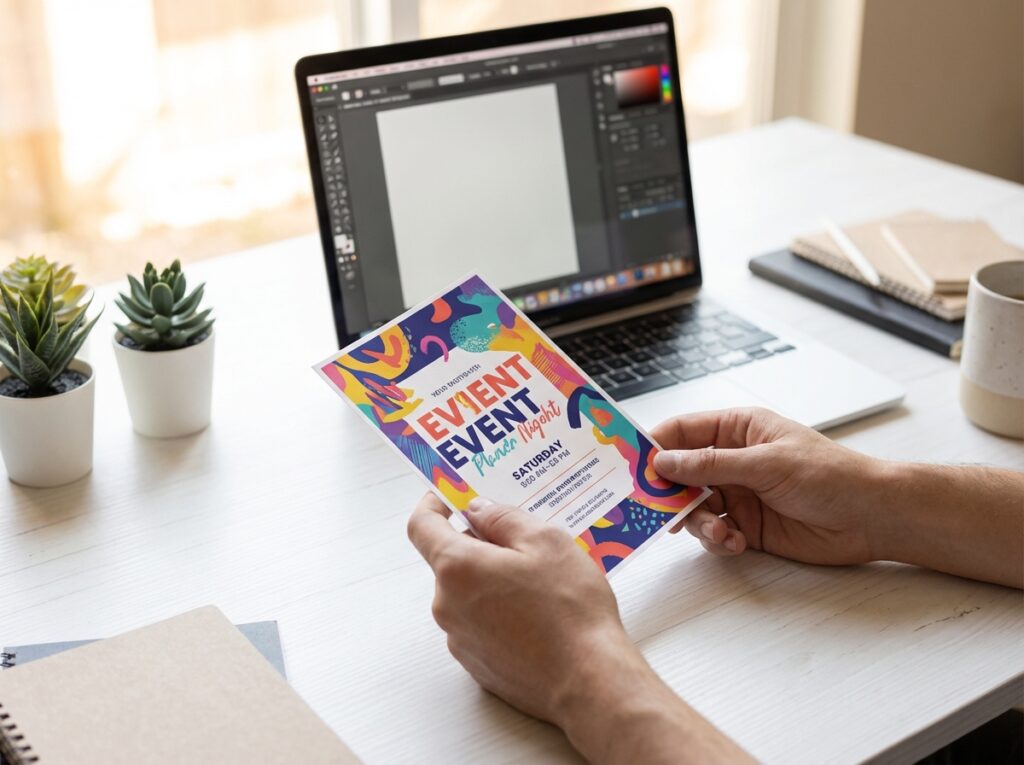
How to Make a Flyer in Canva: Step-by-Step Guide for Beginners
Tech Tips

How to Make a Flyer in Canva: Step-by-Step Guide for Beginners

A flyer is one of the simplest and most effective pieces of visual communication you can create. Whether you are promoting an event, advertising a service, announcing a sale, or recruiting volunteers, a well-made flyer gets the message across quickly and leaves an impression. The challenge has always been that making one look professional used

How to Make a Flyer in Canva: Step-by-Step Guide for Beginners Read Post »

Tech Tips

How to Share a Google Doc With Someone (And Control Exactly What They Can Do)

Sharing a Google Doc sounds like it should take about ten seconds. And in many cases, it does. But there is a lot happening underneath that Share button that most people never explore — and not understanding it properly leads to real problems. Documents getting edited when they should only be viewed. Links shared with

How to Share a Google Doc With Someone (And Control Exactly What They Can Do) Read Post »

Scroll to Top